Ready to use
Your free attendance register
Eight sessions, space for 20 students and a clear attendance key. No account or email address required.
Inside the toolkit
See it in practice
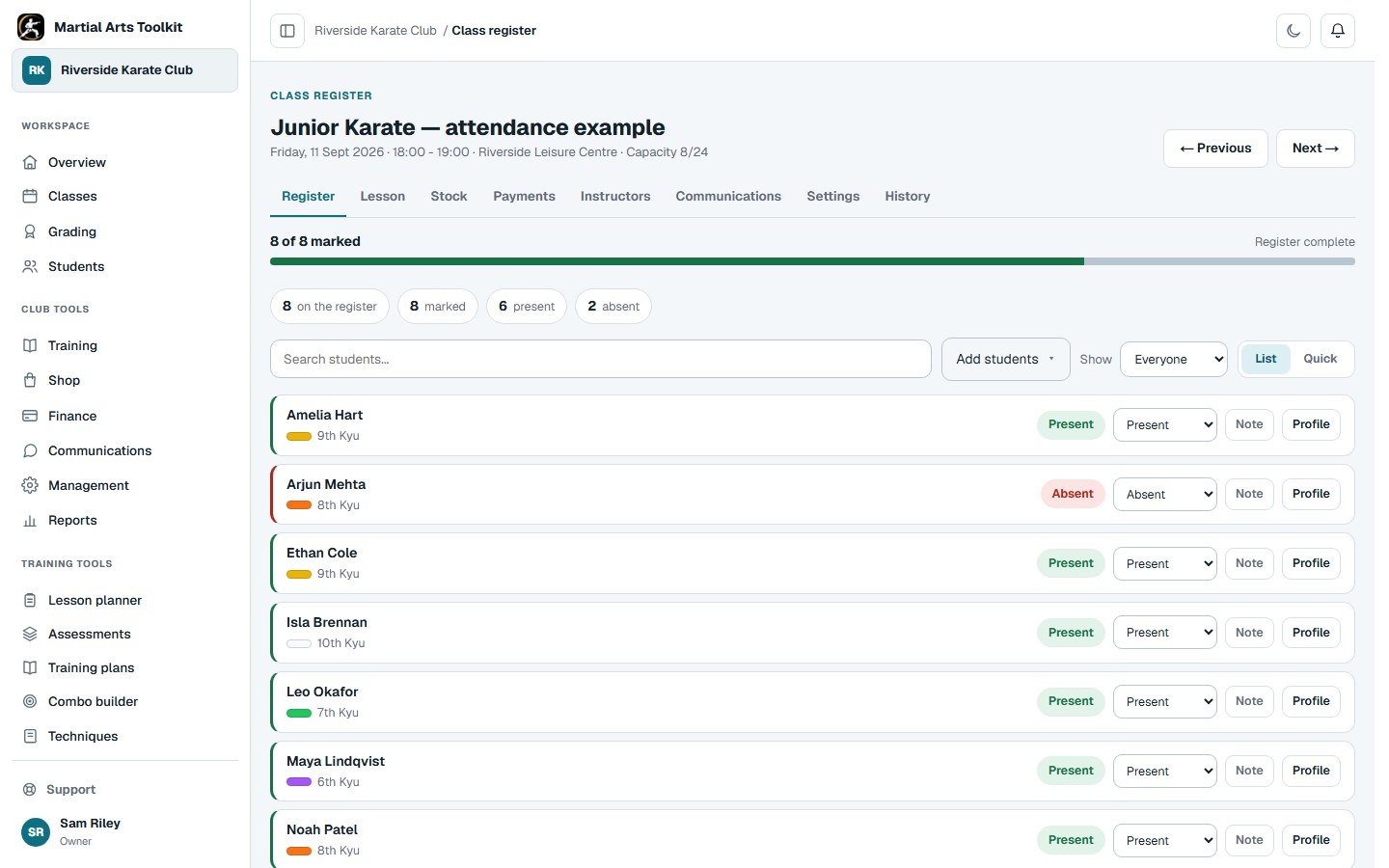
When you are ready to move from paper, the application keeps the register connected to the class.
A practical approach
Make it part of the way your club works
Prepare the dates and student list
Replace the eight session-date headings with the dates for your class. Use one row per student and confirm which class the sheet covers. Add more rows in your spreadsheet if needed, or print another sheet.
Use the same key each time
Mark P for present, A for absent, E for an explained absence and a dash where attendance was not expected. Keep the key visible so another instructor can understand the register.
Check and store the completed register
Correct omissions after the class and total the P entries if you need a simple attendance count. Keep the register somewhere appropriate for student information and decide how long the club needs to retain it.
Worked example
A completed row should be easy to interpret
A dash is different from an absence. If the student was not expected at a session, do not treat that blank opportunity as a missed class.
| Student | Session 1 | Session 2 | Session 3 | Session 4 | Present total |
|---|---|---|---|---|---|
| Example student A | P | P | E | P | 3 |
| Example student B | P | — | A | P | 2 |
Keep the context
Use the simplest sheet that does the job
An attendance sheet does not need payment details, medical notes or a family's full contact information. Keeping it focused makes it easier to use quickly and reduces the amount of information carried into the training hall.
The CSV is an editable blank template, so it does not calculate totals automatically or synchronise with the app. If you want the record to feed directly into student history and class administration, use the application's session register.
Before you start
Questions club owners ask
Do I need to create an account to download it?
No. Both downloads are available immediately and do not require an email address.
Can I use it in Excel or Google Sheets?
The CSV can be opened or imported in a spreadsheet application. Replace the example session headings with your dates, then save a working copy in your preferred format.
How do I print it?
Open the printable register, enter the class and date information, then use Print register or your browser's print command. The sheet is laid out for landscape paper.
Try it with your own club
Less time on administration.
More time to teach.
Create your club free today and explore the workflow. Compare plans as your club grows.