Inside the toolkit
See it in practice
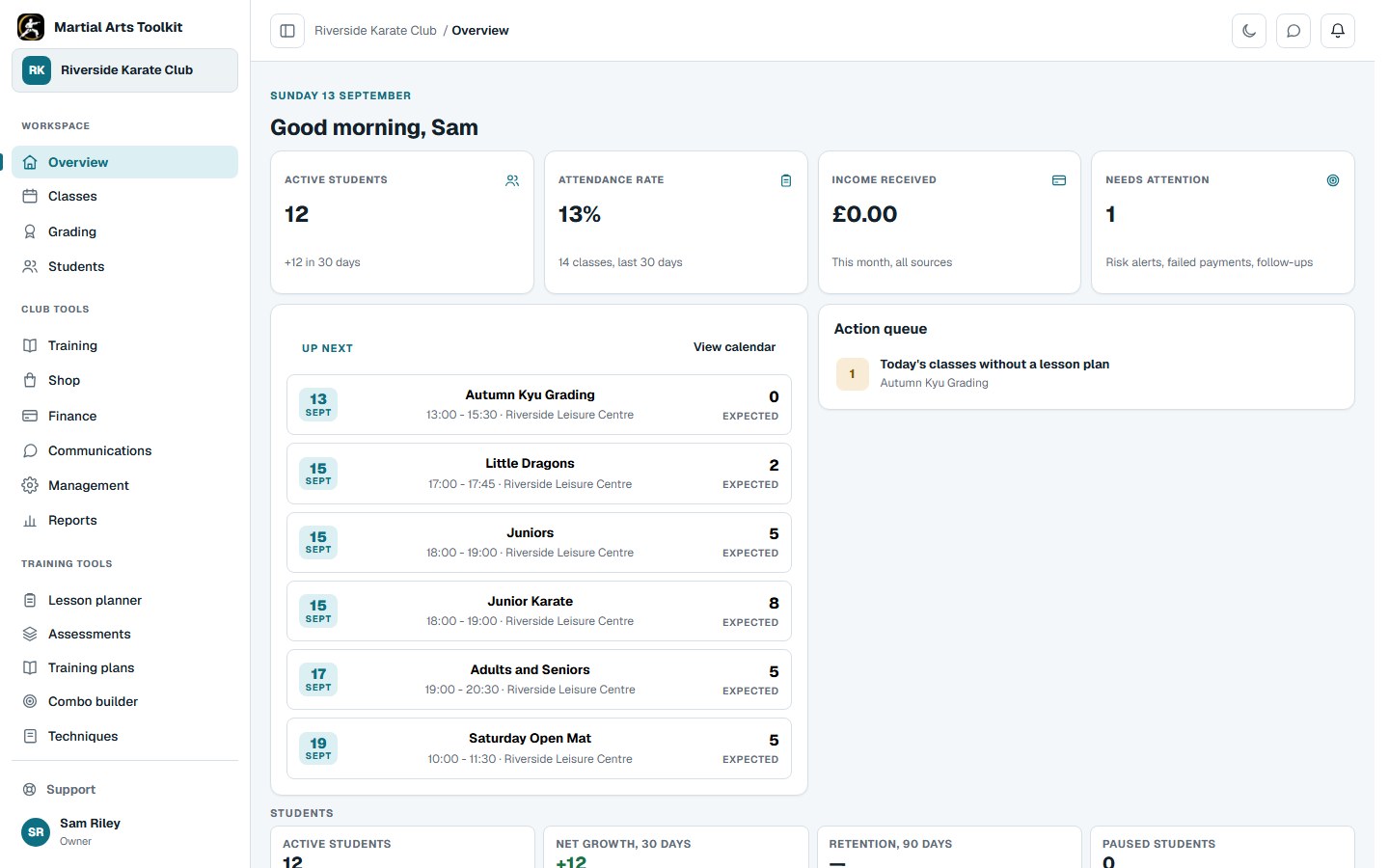
A working example gives an evaluation more substance than a feature list alone.
A practical approach
Make it part of the way your club works
Write down the work first
List the tasks that currently take the most time: preparing registers, checking fees, planning a grading, answering family questions or updating several student lists. Choose a few that matter most to your club and test those first.
Run a realistic trial
Create a sample class, student and family account. Ask an instructor to use the register on a phone, review the student's next grading requirements and find a message or training plan. Notice where they need help or have to enter information twice.
Check the whole commitment
Compare plan limits, staff access, payment-processing costs, import support and the process for getting your data out. Ask what is included in support and what needs a separate arrangement before committing your club's records.
Worked example
Bring this checklist to a demonstration
Ask to see these actions with sample data. A demonstration that follows your club's workflow is easier to assess than a tour of every available menu.
| Area | Ask the provider | Try it yourself |
|---|---|---|
| Attendance | How do staff correct an incomplete register? | Open a session and mark a sample student. |
| Progression | Can our syllabus and grading structure be represented? | Follow a student from their current grade to the next requirements. |
| Family access | How is a parent linked to the right children? | Sign in as a linked family account. |
| Payments and cost | Which software and processing charges apply? | Review a membership and the payment setup. |
| Moving in and out | What can be imported or exported, and who checks it? | Inspect a sample import and its result. |
| Staff and support | What can each role access and how do we get help? | Try the same task as an instructor and an owner. |
Keep the context
Choose with the people who will use it
An owner may find a system easy while an instructor using a phone at a busy class has a different experience. Include someone who takes registers and, where practical, someone who represents the student or family experience.
Write down what worked, what needed explanation and what you still need the provider to confirm. Compare the answers with your original priorities. Starting a free Martial Arts Toolkit club gives you a place to try the workflow, while the pricing page explains the available plans.
Before you start
Questions club owners ask
Is this an independent software comparison?
No. It is written by Martial Arts Toolkit. Use the practical checklist to assess this product and any alternatives against the same needs.
Should the lowest monthly price decide the choice?
Consider the plan limits, payment-processing costs and administrative work as well as the subscription price. Confirm which charges apply to your own setup.
What should we confirm before moving real records?
Agree the import scope, access permissions, record checks and handover process. Also ask how to export the data you need if your requirements change later.
Try it with your own club
Less time on administration.
More time to teach.
Create your club free today and explore the workflow. Compare plans as your club grows.